
Changelog

Follow new updates and improvements to LastBIM.

LastBIM 3.0 coming soon!

Dear LastBIM-Users,

It's been unusually quiet from us recently with no small updates or feature announcements. That's because we've been putting all our energy into a major update, and we're excited to finally give you some sneak peeks of what we've been working on.

As LastBIM is increasingly being used collaboratively by multiple parties in projects, we had to rework how the property mappings work. Different planners often use different internal parameter names for the same properties. If planner A and planner B both work with the LastBIM plugin in Revit but each have their own internal parameters, a single Revit mapping in the requirements catalog is no longer enough.

With LastBIM 3.0, you'll be able to configure your own individual property mappings, for example, multiple Revit mappings within a single collaboratively used catalog.

To support this, we've also made several improvements to the UI:

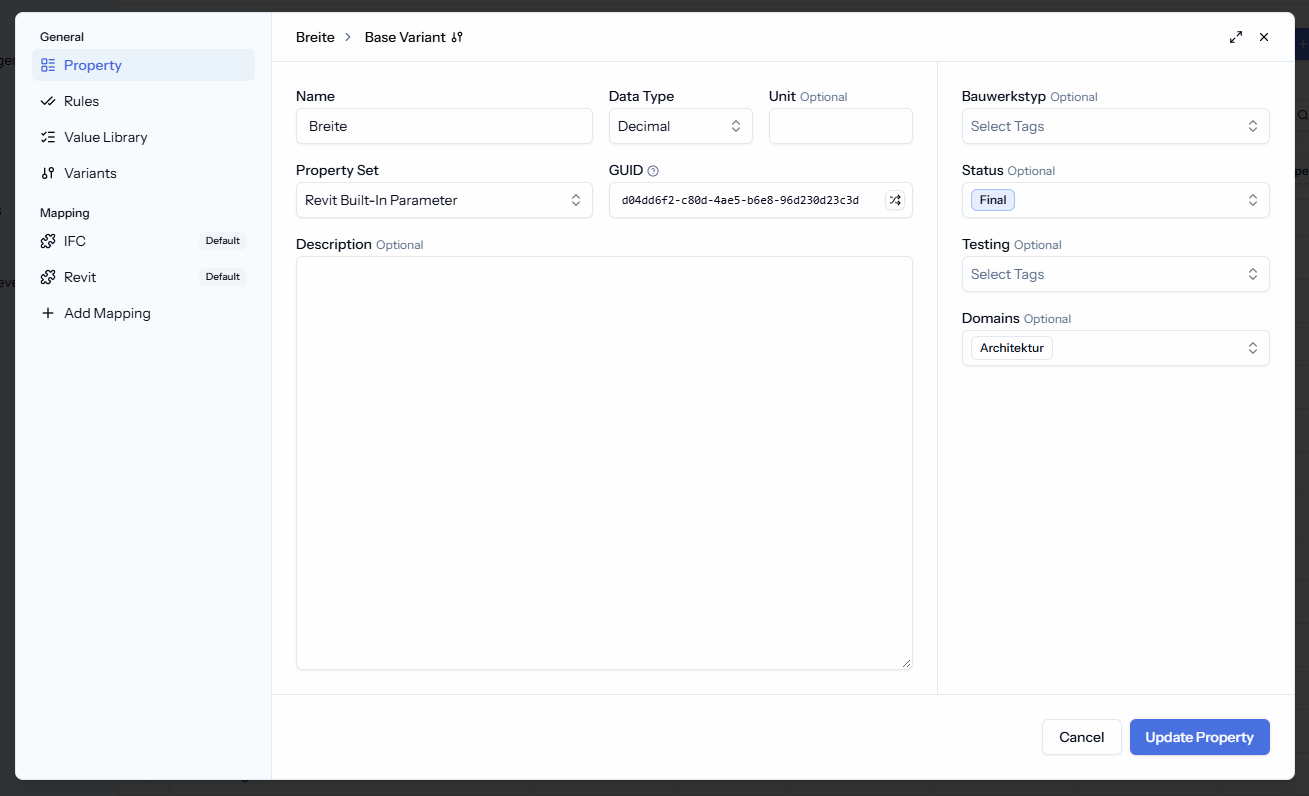
  • Revised property dialog: The dialog for creating and editing properties has been extensively redesigned to handle the new mappings and improve overall usability. Here's a sneak peek:
  • Extended view settings: The table view settings have been expanded and redesigned so you can filter more precisely and keep a clear overview of all information. Here's a sneak peek:

  • Restructured sidebar: Based on your experiences in onboarding sessions, we've reorganized the sidebar to make navigating between catalogs and project settings more intuitive.

Given the scope of this release — major technical changes under the hood, a redesigned UI, and a milestone for collaborative workflows on LastBIM — we felt it deserved a new major version number.

So, be ready and look forward to seeing LastBIM 3.0 very soon! 😊

Your LastBIM-Team
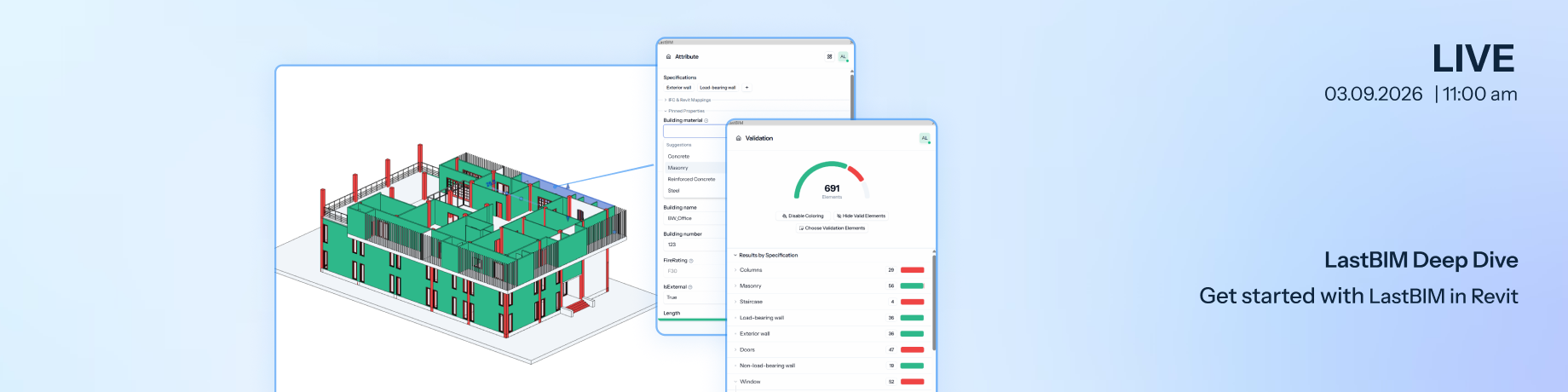
Join our webinar tomorrow: Get started with LastBIM in Revit

Tomorrow, we'll show you everything you need to keep in mind when working with the LastBIM plugin in Revit and discuss typical challenges:

  • What should be considered when setting up the project?

    We will dive into the different Revit settings on the platform, discuss when they are relevant and how they affect the work in the plugin.

  • How does the plugin work?

    We will explain how the plugin synchronizes the parameters, binds them to the Revit categories and how it assigns or recognizes specifications for the elements.

  • Helpful features in the Revit plugin

    We show some helpful features for the attribution and validation workflow with the plugin that you might be not aware of yet.

📅 03.09.2026, 11:00 am
💬 English

Bonus: Afterwards you will receive a user guide with a checklist, that summarizes the most important topics of the webinar.

The webinar is free. Register now to join us and to get an email as soon as the recording and the user guide are available.

➡️ Register now

[Status Update] LastBIM Connection Problems Fixed

Dear LastBIM users,

The issue has been resolved and LastBIM is fully available again. Thank you very much for your patience and understanding!

The cause was that an imported catalog unintentionally had about 1.500 combinations of information levels. Querying those and all assignments to properties, kept our servers busy for some time, leading to the short times of outage.

We have now implemented the necessary optimizations to prevent this from happening again.

If you notice anything unusual, please don't hesitate to reach out to us at any time.

Best regards,
Your LastBIM team

Fixed

Earlier updates